
About SplatDaddy
Real places, reconstructed on your desk.
SplatDaddy is a Windows-native desktop app that takes real-world capture — video or photos — and turns it into trained Gaussian splats. The whole pipeline lives in one application, and it runs entirely on your own machine.
The format
A scene made of light, not surfaces.
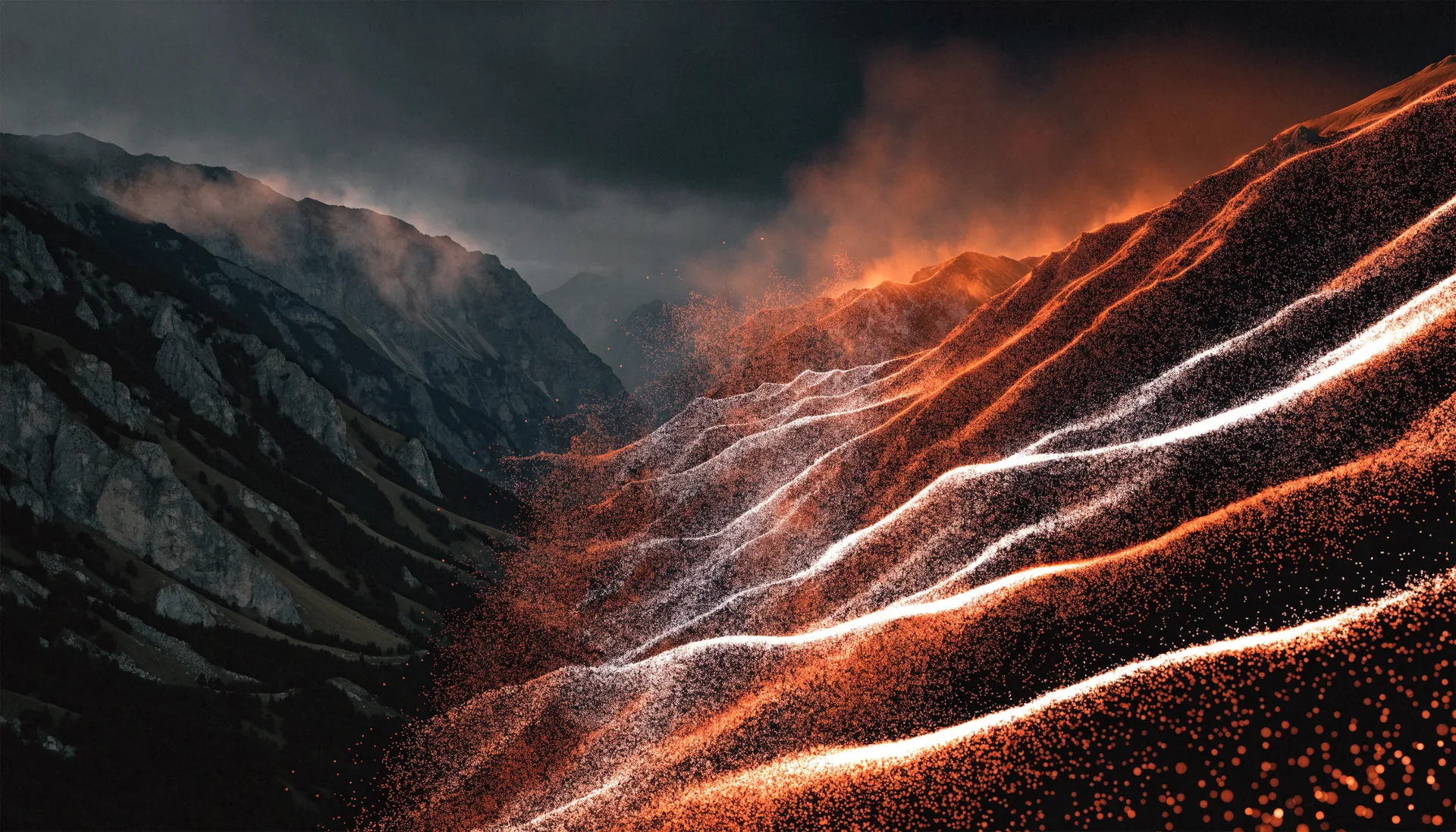
A Gaussian splat is not a model in the traditional sense. There is no mesh, no polygons, no texture maps. The scene is millions of tiny translucent ellipsoids — gaussians — and each one carries a position, a size and orientation, an opacity, and a colour that shifts depending on the angle you look from.
Rendering a frame means projecting every one of those ellipsoids onto the screen as a soft ellipse, sorting them by depth, and blending them front to back. That projection is the splat: a three-dimensional blob of light flattened onto the image plane. Layered by the million, they resolve into a photograph you can move around inside.
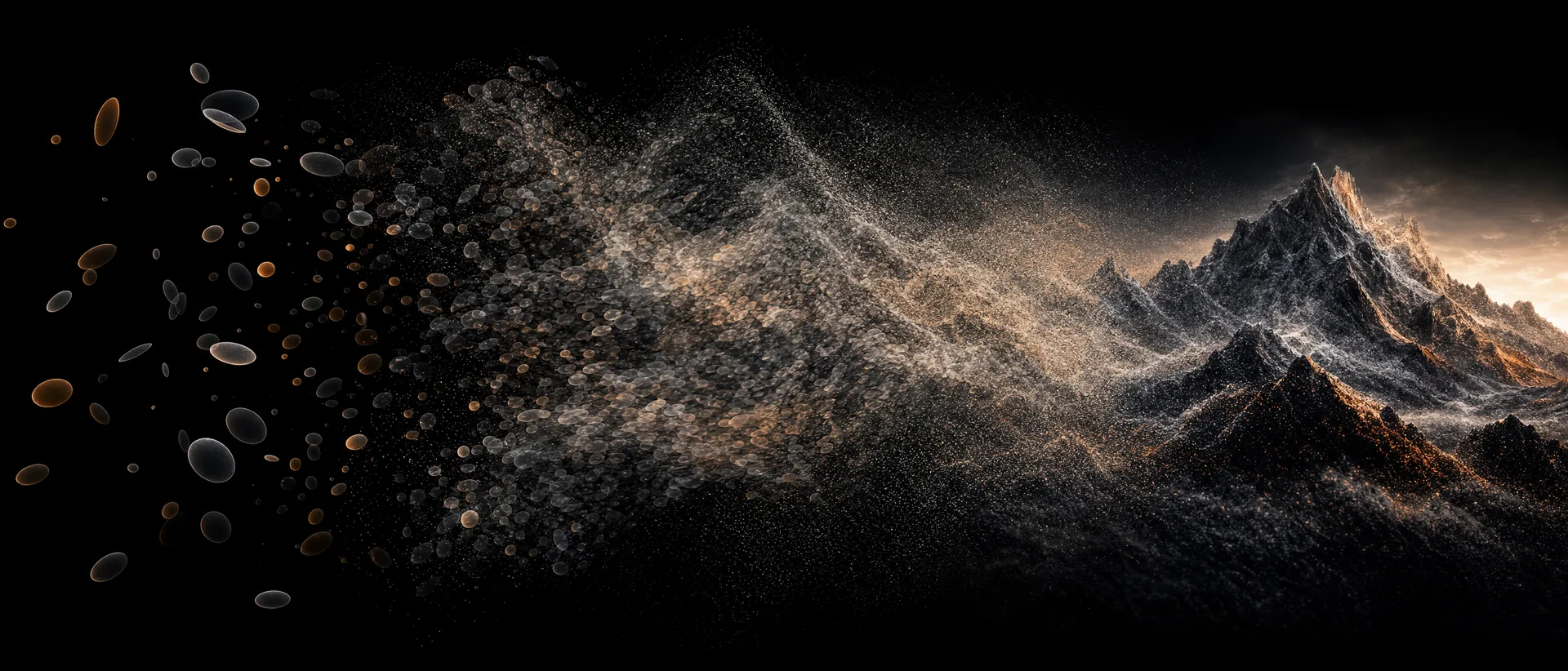
- Gaussians in space
- Project · sort · blend
- Rendered frame
Because nothing in the representation is trying to be a surface, splats hold on to what meshes lose — foliage, hair, chain-link, smoke, the specular sweep across a car’s hood, the way glass is simultaneously there and not. The model is never forced to decide where an object ends.
Photogrammetry hands you a mesh and struggles with anything it cannot find a surface for. NeRFs capture that same soft detail, but have to be queried a ray at a time, which is why they are slow to render. Splats sit between the two: explicit primitives you can rasterise, trained the way a NeRF is. A finished scene plays back in real time on the same GPU that trained it.
How it works
Footage in, scene out.
-
CaptureShoot the scene with the camera you already own — video or stills.
-
SolveThe built-in native SfM engine recovers every camera pose — no external reconstruction service.
-
TrainCUDA-accelerated training with fused kernels grows the splat on your GPU.
-
RenderExplore the finished scene — a living 3D reconstruction, ready to use.
The craft
The capture decides the result.
A splat can only reconstruct what the camera actually saw, from enough angles to place it in space. That makes the shoot the most consequential twenty minutes of the process, and it rewards photographic instinct far more than 3D experience. Settings rarely separate a muddy reconstruction from one that feels like standing in the room. The walk does.
- Move, don’t pivot The solver needs parallax. A slow arc around a subject says more about depth than a fast pan across the same view, however wide.
- Overlap generously Every surface wants to appear in many frames from many angles. Thin coverage is where holes and floaters come from.
- Lock the exposure Auto-exposure that drifts mid-capture trains a scene that changes brightness as you orbit it. Fix exposure, white balance, and focus before recording.
- Keep frames sharp Motion blur is the one defect no amount of training can undo. Move slower than feels necessary.
- Mind the difficult materials Mirrors, still water, and clear glass have no fixed position to solve for. Give them surrounding geometry to anchor against, and expect them to be the last thing to settle.
Why native
Your footage never leaves your computer.
Most reconstruction tools send your capture to someone else’s servers and hand you back a result. SplatDaddy doesn’t. Every stage — from the structure-from-motion solve to the final trained splat — runs locally, on consumer GPUs from the RTX 3060 class and up. What you shoot stays yours.
Building the solver ourselves, instead of leaning on an external service, means the whole pipeline is one coherent piece of software. The SfM engine, the training kernels, and the viewer share one contract, so a capture goes from footage to finished scene without leaving the app — and without a queue, a quota, or an upload bar.
And because the install is portable, it works the same on a studio workstation as it does on a laptop in the field. If the machine has a capable GPU, it has the whole pipeline. You’ll need an internet connection to sign in and periodically renew your license — that’s the only thing that ever touches the network. Your capture, your solve, and your scenes stay on your machine.
Specifications
System requirements.
- Operating system
- Windows 10 or 11, 64-bit
- GPU
- NVIDIA RTX 3060 class or better, CUDA-capable
- VRAM
- 8 GB minimum — more VRAM trains larger scenes
- Memory
- 16 GB RAM recommended
- Storage
- SSD recommended — captures and trained scenes can reach tens of gigabytes
- Network
- Internet for sign-in and license renewal — capture and processing run offline